
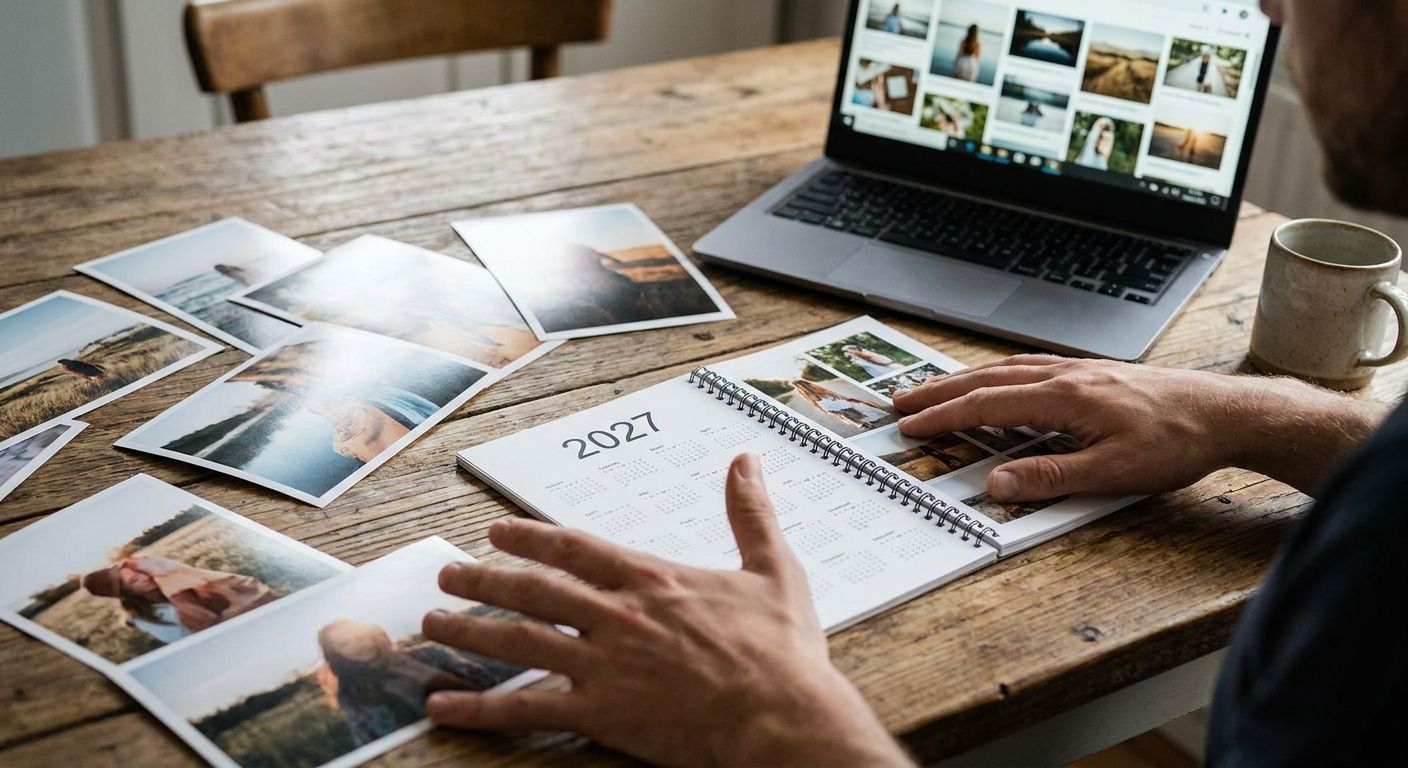
Picking the right twelve photos for a photo calendar 2027 is the difference between a keepsake you flip through every month and one that ends up flat against the fridge, ignored by February. This guide walks through exactly how to shortlist, sort, and prepare your images so the finished calendar actually gets used.
- Shortlist 25-30 photos before cutting to 12 — a photo calendar 2027 needs one hero image per month, not your camera roll dumped in order.
- Upload images at a minimum of 1800x1200 pixels; anything smaller prints soft on a standard A4 calendar spread.
- Match photos to the season or month they were taken in — a beach shot in December looks wrong to every viewer, every year.
- Landscape orientation photos work better than portrait for most calendar layouts because the grid sits below the image.
- Order by late November 2026 if you want a 2027 calendar delivered in time for Christmas.
Why this matters
A calendar gets looked at roughly 30 times a month if it hangs somewhere visible — on the kitchen wall, by the front door, next to a desk. That's more repeat viewing than almost any other photo gift Pixa Prints makes, including canvas prints and photo books, which get looked at in bursts rather than daily.
The photos that work on a canvas print (dramatic, single-subject, high contrast) often fall flat on a calendar page, because a calendar photo has to hold up against a grid, headings, and often a small strip of white space for notes. Picking for a photo calendar is its own skill, and getting it wrong means a calendar nobody bothers turning past March.
What you'll need
- 25-30 candidate photos pulled from 2026 (phone camera roll, cloud backups, or a shared family album)
- A rough sense of which months matter to you — birthdays, anniversaries, holidays, school terms
- A device to review photos at full size, not just as thumbnails
- 20-30 minutes of uninterrupted sorting time
- Access to the Pixa Prints calendar tool for uploading and arranging once your shortlist is final
The steps
1. Pull every candidate photo into one folder
Start broad. Go through 2026 month by month and drag anything remotely calendar-worthy — holidays, pets, kids, group shots, scenery — into a single folder or album. Aim for 25-30 images before you start judging anything.
This matters because sorting from a big pool beats sorting as you go. If you try to pick the "best" photo for January the moment you open your camera roll, you'll anchor on the first decent shot instead of comparing it against what November or December might offer. Common mistake: stopping at 12 photos too early and settling for "fine" instead of "right."
2. Sort candidates by the month or season they belong to
A photo calendar 2027 reads best when the image on each page loosely matches that month — snow scenes near winter months, garden shots in summer, back-to-school photos in September. It doesn't need to be literal, but a July beach photo sitting under "February" reads oddly every single time someone glances at it.
Tag each photo mentally (or with folders) by rough season: winter, spring, summer, autumn. This gives you four buckets of roughly six to eight photos each to narrow down from, rather than one unsorted pile of 30.
3. Check resolution before you fall in love with a photo
Open each shortlisted image at 100% zoom on a laptop or desktop screen, not just on a phone. If it looks soft, pixelated, or grainy at that size, it will print soft. For a standard calendar page, aim for at least 1800x1200 pixels — most phone cameras from the last five years comfortably clear this, but screenshots, downloaded social media photos, and old messaging app forwards often don't.
Expected outcome: you'll likely drop 3-5 photos at this stage purely on quality grounds, even if they were your first pick emotionally. Common mistake: using a photo pulled from WhatsApp or Instagram, which compresses images down well below print quality.
Start building your 2027 calendar
Upload your shortlist and arrange each month in minutes.
4. Favour landscape orientation over portrait
Most calendar layouts put the photo across the top two-thirds of the page with the date grid underneath. A landscape (wide) photo fills that space naturally. A portrait photo either gets cropped hard from the sides or shrinks down with white space around it, which looks unfinished.
If your best photo for a given month is portrait — a tall shot of someone in front of a Christmas tree, say — check whether it can be cropped to landscape without losing the subject. If it can't, keep looking through your seasonal bucket for an alternative.
5. Balance faces, places, and moments across the twelve months
A calendar of twelve identical close-up portraits gets boring fast, and so does a calendar of twelve empty landscapes with no people in them. Mix it: aim for roughly four to five photos with faces clearly visible, three to four scenic or place-based shots, and the rest candid action moments — a dog mid-jump, kids on a bike, someone laughing mid-conversation.
This variety is what keeps a calendar interesting past week one. Common mistake: front-loading every strong photo into the first three months and leaving weaker filler for October to December.
6. Assign specific dates before you finalise the layout
Once your twelve are locked, note down any dates worth marking directly onto the calendar — birthdays, anniversaries, school holidays. Most calendar tools, including the one at Pixa Prints, let you add text or highlight specific days per month, which turns a decorative object into something genuinely functional on a kitchen wall.
Expected outcome: a calendar someone actually consults, not just glances at. Skipping this step is the single biggest reason a nicely designed calendar still ends up ignored.
7. Proof every month before ordering
Before you confirm, scroll through all twelve pages at final size, not thumbnail size. Check for cropped heads, blurry corners, and typos in any added text or dates. A five-minute proof now saves a reprint later — and unlike a canvas, a calendar is on display for 12 months straight, so a mistake stays visible far longer.
Troubleshooting
My best photo is too dark or too bright. Run a basic auto-enhance in your phone's photo editor before uploading — most fix exposure well enough for print, and it takes under a minute per image.
I only have 8-9 strong photos, not 12. Double up: use one great photo across two related months (say, a New Year's shot spanning December/January), or pick a strong "place" photo without people to round out a quieter month.
The photo looks great on my phone but pixelated when uploaded. Your phone screen has a much lower effective resolution than a printed A4 page. Re-check the original file size — if it's under 1800x1200 pixels, find the original rather than a compressed copy shared over messaging apps.
Faces look washed out or oddly coloured. This usually points to a screenshot or a heavily filtered social media download rather than the original camera file. Go back to your camera roll or cloud backup for the unedited version.
I can't decide between two similar shots for the same month. Pick the one with better eye contact or a clearer subject in focus — for calendars viewed daily at a glance, clarity beats artistic composition.
Group photos keep cutting off someone at the edge. Crop tighter around the group's centre rather than trying to preserve every original edge; a slightly tighter, well-composed crop reads better on a calendar page than a wide shot with someone half out of frame.
Tools and resources
- Your phone's native photo editor for quick exposure and crop fixes
- Cloud backup (Google Photos, iCloud) to pull full-resolution originals instead of compressed shares
- A shared family album if multiple people are contributing photos to one calendar
- The Pixa Prints design tool for arranging, cropping, and adding dates directly onto each month
What to do next
Once your twelve photos are locked and cropped, move straight to layout: pick a calendar size, decide whether you want a cover photo separate from January's image, and check delivery timing if it's a gift. For UK delivery ahead of Christmas 2026, get your photo calendar 2027 ordered by late November — print and delivery windows tighten fast in December.
FAQ
What's the best resolution for a photo calendar 2027?
Aim for at least 1800x1200 pixels per photo for a standard A4-style calendar page. Anything smaller, especially images pulled from WhatsApp or Instagram, tends to print soft or slightly pixelated.
How many photos do I need for a 12-month calendar?
You need 12 photos minimum, one per month, though some layouts also use a 13th for the cover. Shortlisting 25-30 candidates first makes picking the strongest 12 much easier.
Is a photo calendar better than a printed wall planner?
A photo calendar 2027 gets looked at more often than a plain planner because it carries personal photos worth pausing on, not just grid lines. Functionally they work the same way, but the emotional pull of your own photos keeps people checking it daily.
Can I use phone photos for a personalised calendar?
Yes, most phone cameras from the last five years comfortably meet print resolution requirements. Just use the original camera roll file rather than a version compressed and re-shared through a messaging app.
When should I order a 2027 calendar for Christmas delivery?
Order by late November 2026 to be safe for UK Christmas delivery. December print and delivery slots fill up fast as demand for personalised gifts peaks.
Should calendar photos be landscape or portrait?
Landscape works better for most calendar layouts because the photo sits above the date grid and fills that wide space naturally. Portrait photos often need cropping or leave awkward white space around them.
Can I mix different years of photos in one calendar?
Yes, a photo calendar 2027 doesn't have to use only 2026 photos. Many people mix in a favourite older shot for a birthday or anniversary month alongside recent images.
What if I don't have enough good photos for every month?
Double up a strong photo across two related months, or use a scenic shot without people to round out a quieter month. Twelve solid photos matter more than twelve perfect ones.
One last thing
The month people flip back to most on a wall calendar isn't January — it's whichever month holds a birthday, anniversary, or holiday relevant to the household. Put your strongest photo there, not on the cover. A calendar's cover gets seen once at unwrapping; a birthday month page gets seen every year it hangs, for as long as that date matters.